Documentation
Setting Up MetaMask for BNB Chain (Testnet + Mainnet) | MintyBlocks
MintyBlocks works on both Testnet (free testing) and Mainnet (real BNB). Follow the steps below to add both networks.
BNB Smart Chain Testnet (Free Testing)
Add Testnet with 1 Click1
Add the Network Manually
Open MetaMask → Click the network name → “Add network” → “Add a network manually”
2
Testnet Connected Successfully
After approving, MetaMask will automatically switch to Testnet.
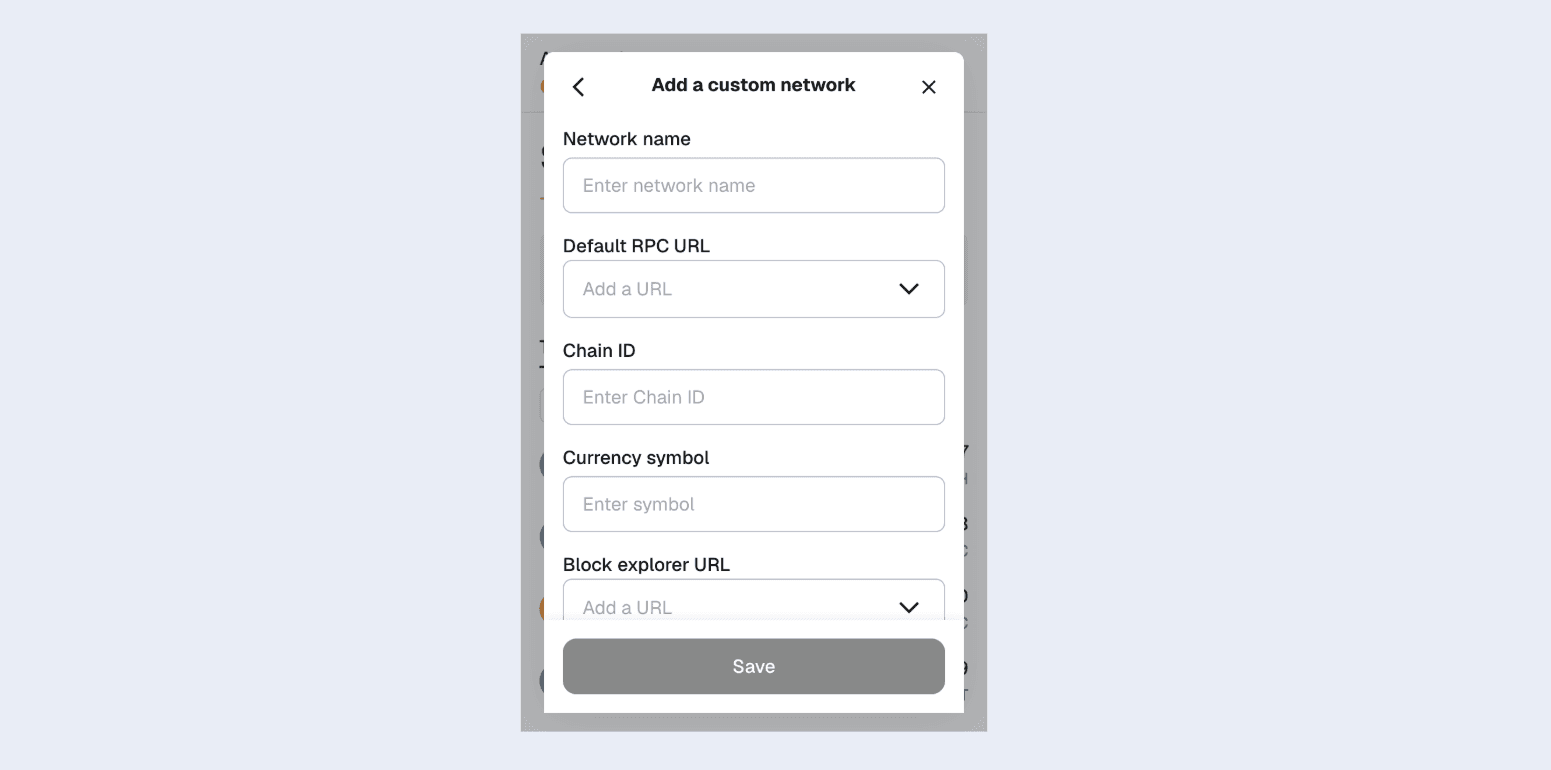
Testnet Details (Manual Entry):
BNB Smart Chain Mainnet (Live Network)
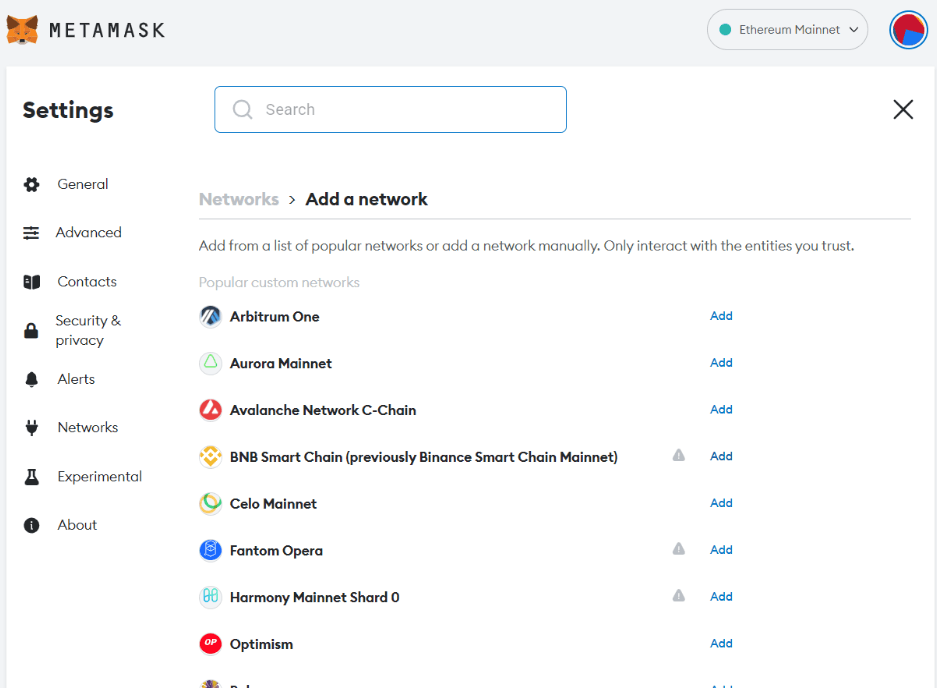
Add Mainnet with 1 Click1
Add Mainnet (Same Process)
Use the same steps — just enter Mainnet details.
2
Mainnet Connected
You’re now ready to launch real NFTs with real BNB.
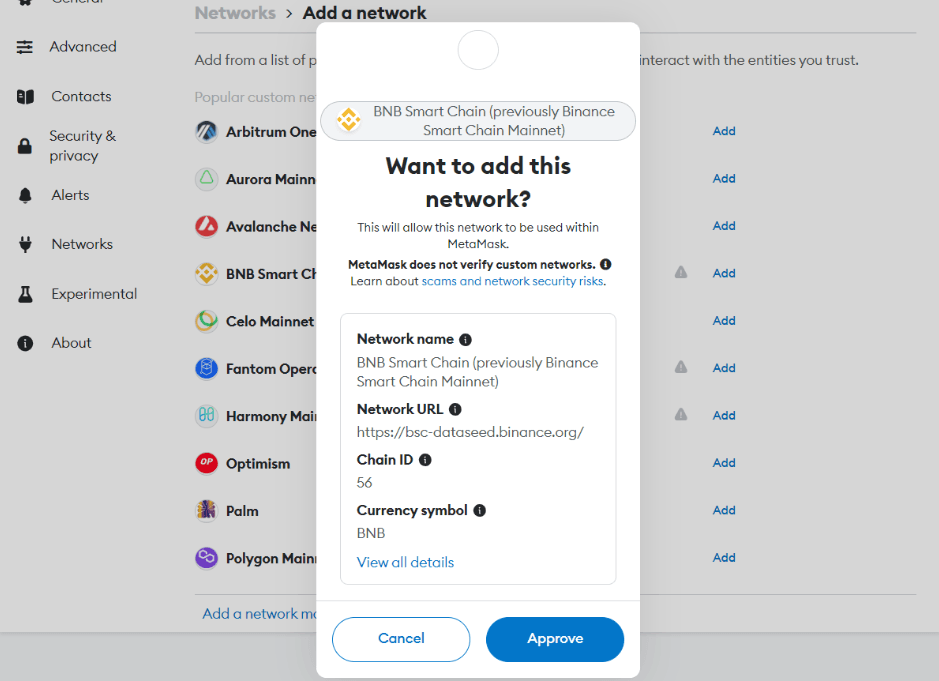
Mainnet Details (Manual Entry):
Pro Tip: Switch between Testnet and Mainnet anytime from the network dropdown in MetaMask!